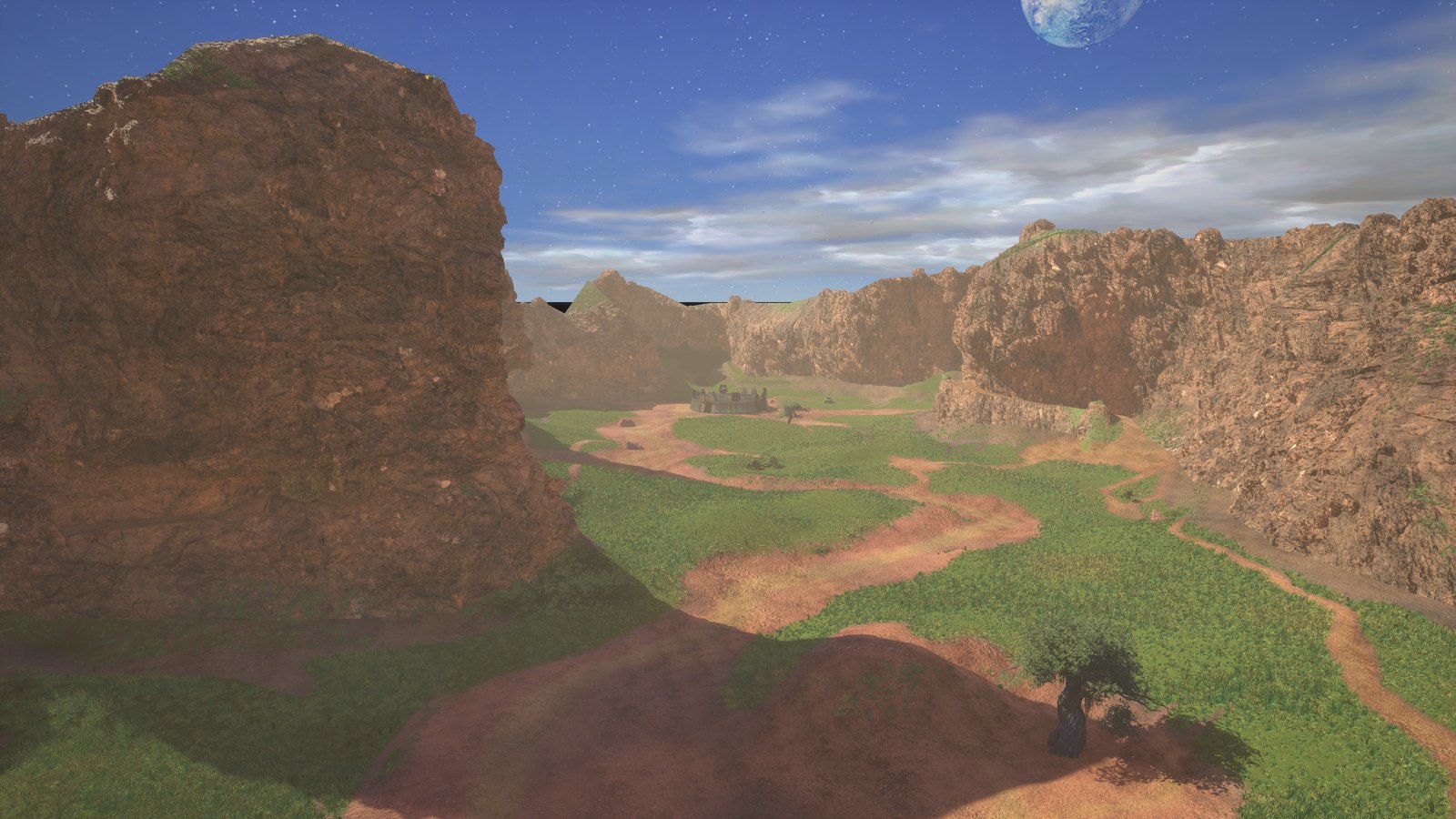
The multiplayer
modding framework
for Campaign Evolved.
Classic Halo multiplayer, back in your hands. Play Slayer and CTF on all 19 original Halo: CE maps. Build custom maps and content. Bring your friends.
Free & open source · Windows PC · Requires Halo Campaign Evolved
19
Classic Halo CE maps
Slayer + CTF
And more game modes
Play + create
Custom maps & content
Open source
Built with the community
01 / Familiar ground
Same maps.
New possibilities.
From Blood Gulch to Hang 'Em High. All 19 original Halo: Combat Evolved multiplayer maps, including the Halo PC classics, rebuilt for Campaign Evolved.
Explore all 19 maps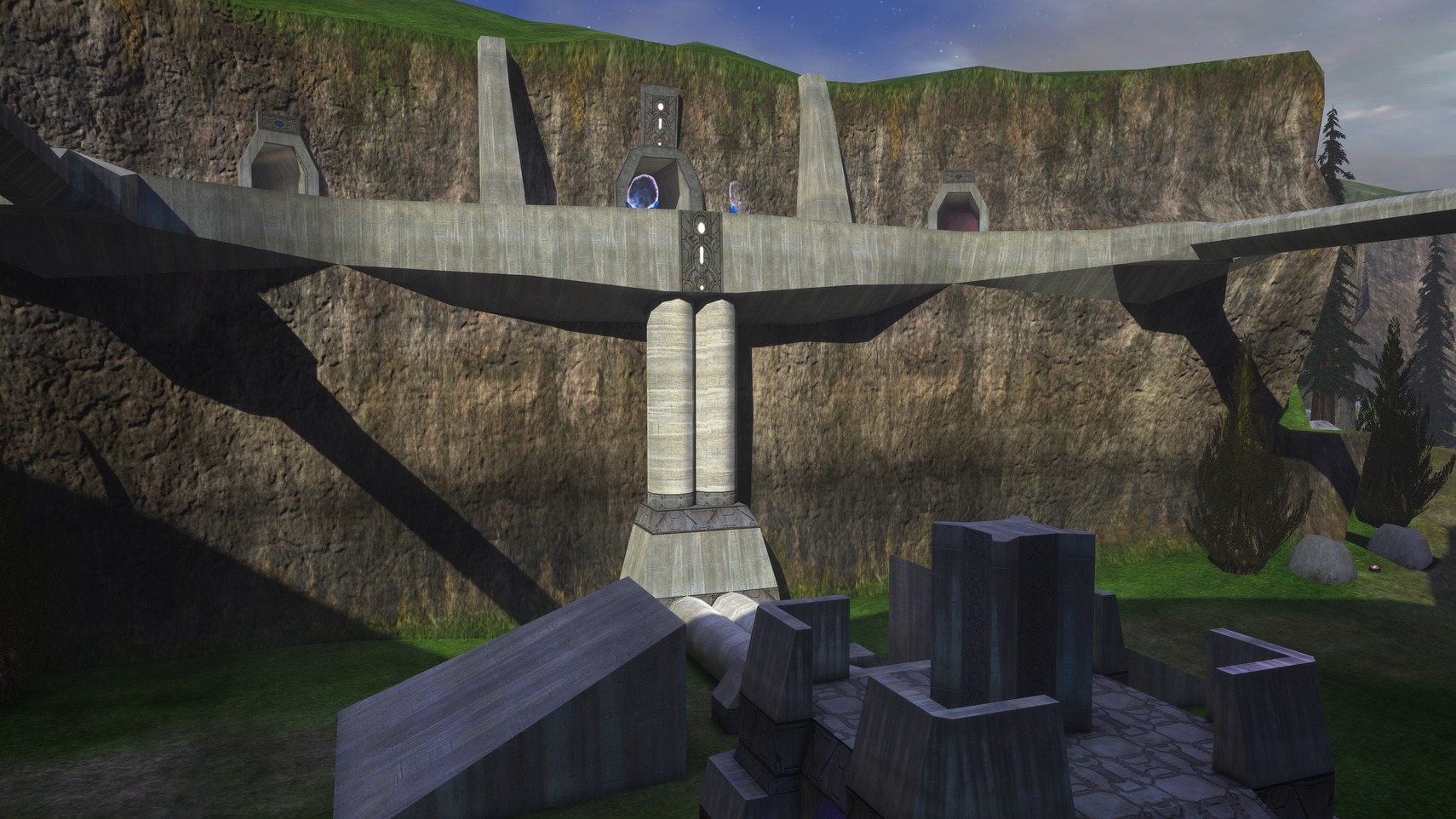
02 / Pick your game
One more match.
You know the feeling.
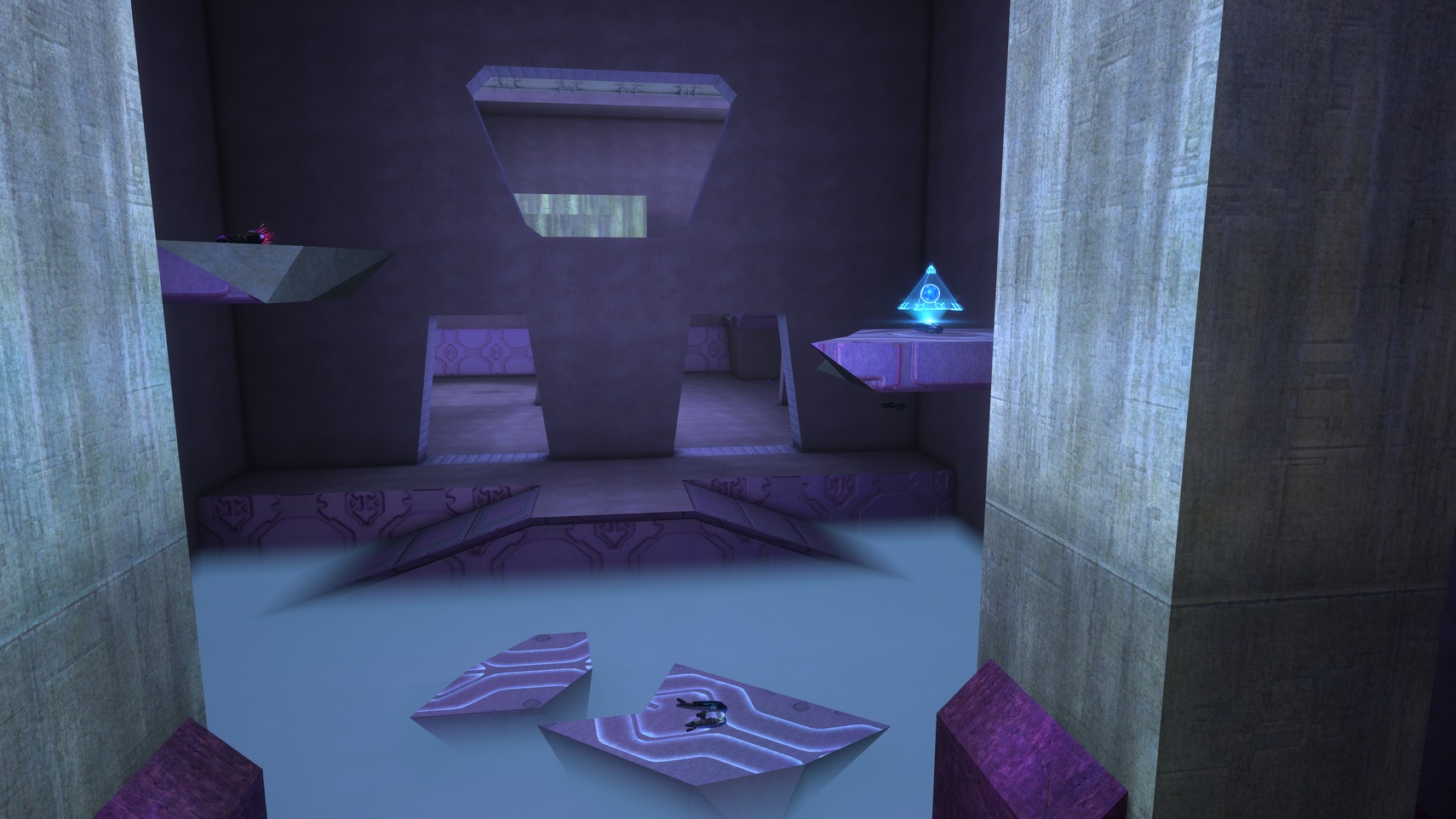
The chase for the last kill. A flag run that should never have worked. MJOLNIR brings classic competitive multiplayer to Halo Campaign Evolved, with its own lobby, a browser for public games, match chat, a scoreboard, and a multiplayer HUD.
Discover Campaign Evolved multiplayerSlayer
Every kill counts. Find your weapon, learn the angles, and climb the scoreboard.
Capture the Flag
Defend your base. Take theirs. Get the flag home with your fireteam at your side.
Plus framework support for
Available modes depend on the map and installed game variant. The current alpha supports up to 16 players.
03 / Make it yours
The next great map
could be yours.
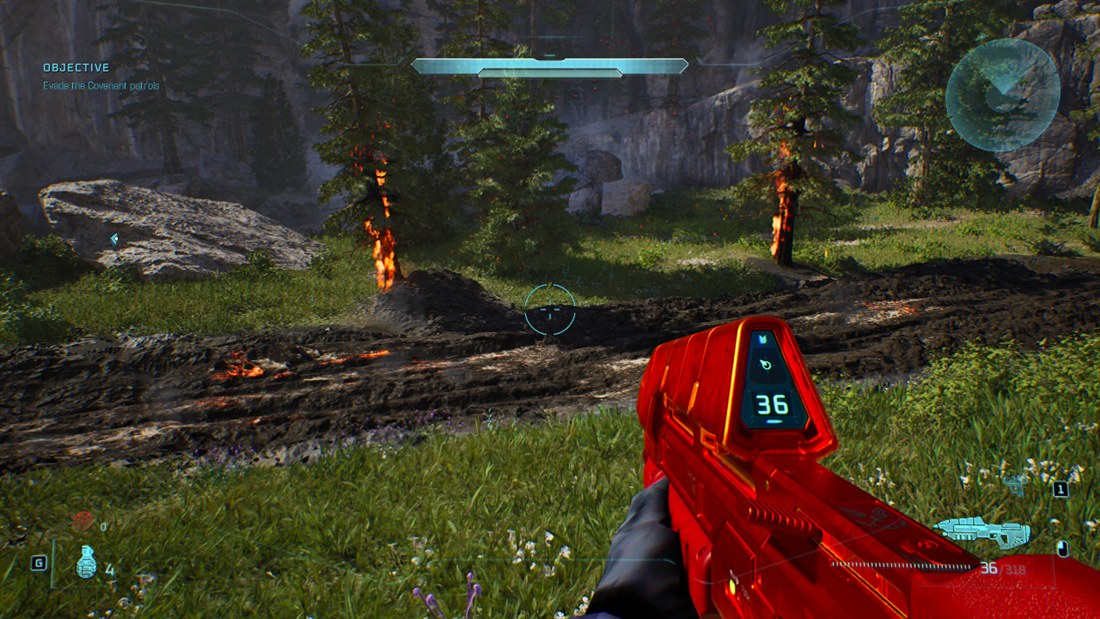
MJOLNIR is a multiplayer modding framework for players and creators. Build custom levels, rework weapons, swap textures, and write scripts. Then share what you make with the community.
Build custom maps
A Blender addon and level pipeline for your own battlegrounds.
Create custom content
Edit tags, textures, and scripts with the MJOLNIR Tag Editor.
Share it with the community
Package your work and publish through the hub.
04 / See you on the map
Three steps to your first match.
- 01
Get the launcher
Install MJOLNIR on Windows and set up mods from My Mods. You need your own installed copy of Halo Campaign Evolved.
- 02
Install multiplayer
Open the launcher's Multiplayer page and select Install multiplayer. It installs the classic maps, shared content, and required mods.
- 03
Bring your fireteam
Launch the game, open MULTIPLAYER, choose a map and mode, invite your friends, and start the game. Everyone needs the same maps installed; a player missing a hub map can download it from inside the game.
A few things before you drop in
Campaign Evolved multiplayer, explained.
Does Halo Campaign Evolved have multiplayer?
Yes — with MJOLNIR Core, you can play classic competitive multiplayer in Halo Campaign Evolved. Our community-made, open-source modding framework adds Slayer and Capture the Flag on all 19 original Halo: Combat Evolved multiplayer maps, including the Halo PC maps. This is a multiplayer mod, separate from the game's official campaign and co-op features, and is currently in alpha.
Read the multiplayer alpha announcementHow do I play Campaign Evolved multiplayer with friends?
Install the MJOLNIR Launcher, set up mods in My Mods, then open Multiplayer and select Install multiplayer. Launch Halo Campaign Evolved, choose MULTIPLAYER from the main menu, pick a map and game type, invite friends to your fireteam, and start the game. Each player needs their own game installation and the same maps.
Download the launcherDoes Campaign Evolved have Slayer, CTF, and other game modes?
MJOLNIR adds Slayer and Capture the Flag to all 19 classic maps. The framework also supports Team Slayer, King of the Hill, and Oddball in its multiplayer menu. A mode is available when both the installed map and its game variant support it; check the map's listing and your in-game mode selector.
Explore maps and supported modesBuilt by the community. Played together.
Your fireteam is out there.
Find players, share your next map, and help shape multiplayer in Campaign Evolved. Join us on Discord.